Guide
Restaurant Table Management Systems: How Do You Know Which Table Is Waiting?
The Mihman AI team7 min read
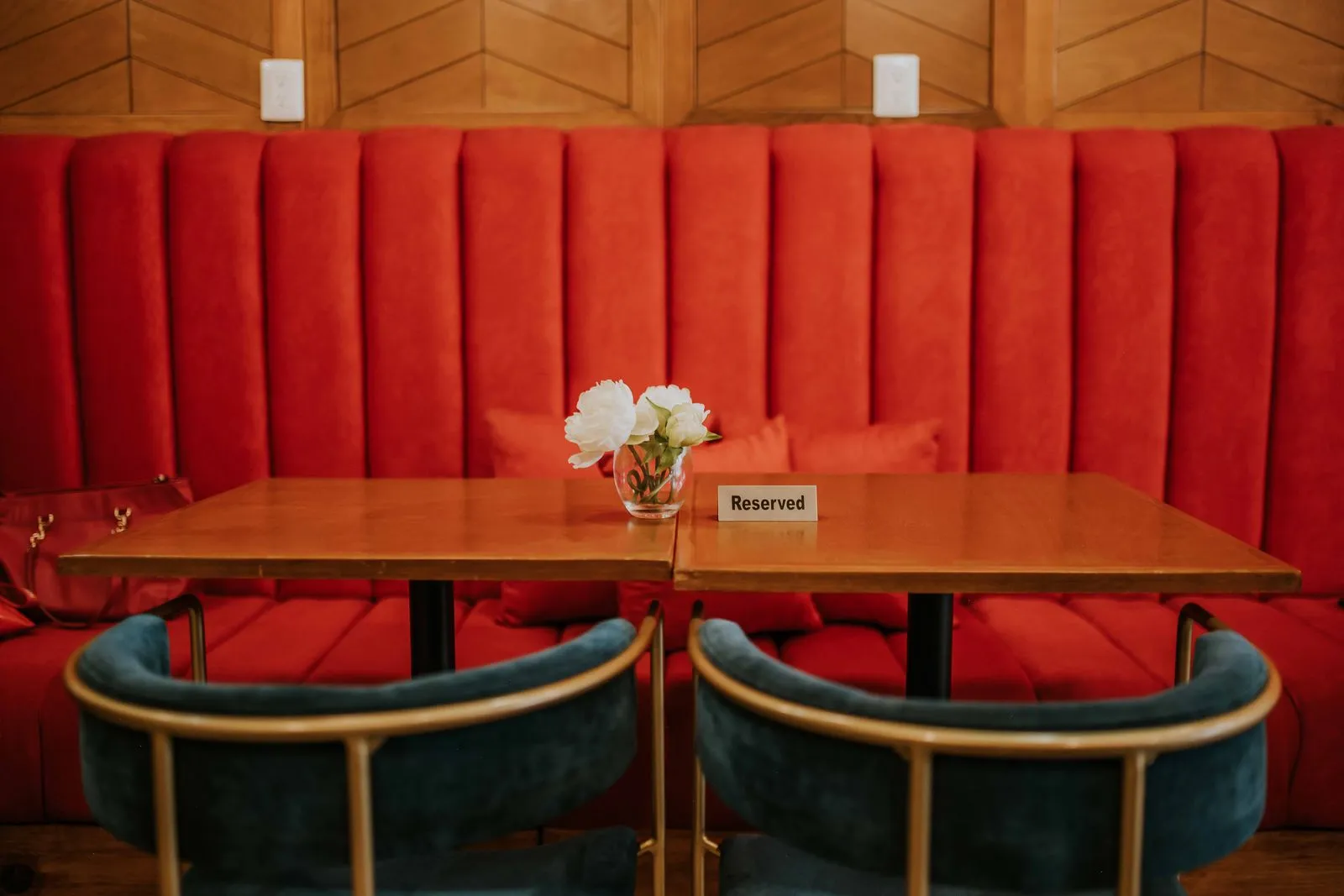
Everyone who runs a dining room on a busy night has the same question in mind: which table is waiting right now? Restaurants answer it in different ways: the servers’ own eyes, a paper floor plan at the host stand, reservation software, the table view in the POS, a server call button or cameras.
In this post we look at the common ways to find out table status, what each one does and doesn’t show, and the questions to ask when choosing a table management system.
What does table management mean?
Table management means knowing the status of the tables in your dining room and directing your team accordingly. It’s the answer to four questions:
- Which tables are free, and which are occupied?
- Of the occupied tables, which are waiting for something: to be greeted, to order, for the bill?
- Which tables have been vacated and are waiting to be cleared?
- Who will look after this table?
The more accurate and up to date the answers are, the shorter the wait at the door and at the table.
Common ways to find out table status
1. The servers’ eyes and a section plan
You divide the dining room into sections, and each server looks after their own.
- What it shows: Everything, while the server is at the table. It needs no extra tools.
- What it misses: What happens while the server is in the kitchen, at the bar or at another table. The information lives in one person’s head, and tables on the border between sections can fall through the gaps.
Our post on how to plan server sections explains how to set up a good plan. Every other method on this list builds on that routine.
2. A paper floor plan or board at the host stand
The host marks occupied and free tables on a plan of the dining room.
- What it shows: The overall state of the room, as seen from the door. It’s simple and everyone understands it.
- What it misses: It’s updated by hand. If nobody says a table has been vacated, the plan goes out of date. It doesn’t show what a table is waiting for.
3. The table plan in reservation software
In restaurants that take reservations, the software shows which table is held for whom at what time, and who has been seated.
- What it shows: Upcoming guests, table assignments and the queue at the door.
- What it misses: Table status is often changed by hand by the host. It can’t know what’s happening at the table, such as whether guests are waiting for the bill or have already left, unless someone enters it.
4. The table view in the POS
The ordering and payment system shows which tables have an open check.
- What it shows: Tables with orders entered, the amount on the check, and whether payment has been taken.
- What it misses: It updates when someone enters an order or a payment. A table that has just been seated but not yet greeted can look free in the POS; a table that has asked for the bill and is waiting, or one where payment has been taken and guests have left and it now needs clearing, may not show up until someone enters something.
5. Server call buttons
With a button or code on the table, guests call a server, and the team gets a notification.
- What it shows: The moment the guest wants something, straight from the guest.
- What it misses: It depends on the guest pressing the button. A table that is waiting but doesn’t press stays invisible; newly seated guests in particular often don’t want anything yet, they just want to know someone has seen them. A button on the table may also not suit the feel of every dining room.
6. Table status from cameras
The status of tables is understood from what the cameras in the dining room see: occupied or free, just seated, waiting for the bill, ready to clear?
- What it shows: The current state of a table, without anyone having to enter anything or press a button. It can alert the right person when a table is waiting.
- What to watch out for: Whether the cameras can see the tables, where the video is processed and whether it’s recorded, and whether the system assesses only tables and not people.
We explain this approach in more detail in our post on AI table tracking for restaurants.
Which one is right for you?
These methods don’t replace each other; most restaurants use several together. Reservation software organises the door, the POS handles orders and payment, the section plan sets out who is responsible. The real question is where the gaps between them are:
- In a small, single-section dining room, the servers’ eyes and a good section plan are often enough.
- In a restaurant that takes reservations, the reservation software organises the door; but waiting at the table is still left to the team’s eyes.
- In a large dining room with several sections or a terrace, it gets hard for the team to see every table at once. Here it helps to move the information out of people’s heads and onto a shared screen.
- In hotel restaurants and busy breakfast services, guests arrive in short, sudden waves, so spotting a vacated table quickly matters more.
Questions to ask when choosing a table management system
- Whose input does the information depend on? If it only updates when someone types or taps something, it falls behind on a busy night.
- Does it show waiting at the table? Only occupied and free, or also tables waiting to be greeted, for the bill and to be cleared?
- Do alerts go to the right person? Greeting to the server, clearing to the busser, a free table to the host.
- Does it work with what you already have? Can it sit alongside your POS and reservation software without replacing them?
- How is privacy protected? If cameras are used, where is the video processed, is it recorded, does it leave the country, are staff being monitored?
- Can your team use it on a busy night? It should be simple enough for a rushing server to glance at and understand.
Where does Mihman fit in?
We’re building Mihman AI, the sixth approach above, together with our first restaurants. Our aim is to use your existing cameras to understand which tables are waiting to be greeted, to order or for the bill, and which are ready to clear, and to let the right person know.
Mihman doesn’t replace your POS or your reservation software; orders and payments stay in your POS as usual. It looks at tables, not people: there are no staff scores, no tracking of individuals, no facial recognition and no audio recording. Video is processed on a device in the restaurant; it isn’t recorded, and it isn’t sent to the cloud or abroad.
Rather than guessing how useful it will be on your floor, we’d prefer to measure it together with you during the pilot.
In short
There’s no single right way to find out table status. The servers’ eyes, a paper floor plan, reservation software, the POS and call buttons each show part of the picture; what most of them have in common is that they depend on someone entering or noticing something. When choosing a system, look at where the information comes from, whether it shows waiting at the table and how privacy is protected.
We describe our approach for hotels on our hotel restaurants page and for busy dining rooms on our busy restaurants page. To see how Mihman would work in your dining room, we can set up a free demo.
Frequently asked questions
What is a restaurant table management system?
It’s the setup that lets you know the status of every table in the dining room and direct your team accordingly: which tables are free, which are occupied, which are waiting to be greeted, to order or for the bill, and who will look after them. It can be run with a paper floor plan, or with software built around reservations, a POS or cameras.
Is the table view in my POS enough for table management?
A POS shows well which tables have an open check; but it updates when someone enters an order or a payment. A table that has just been seated and not yet greeted, a table that has asked for the bill and is waiting, or a table that has left and is waiting to be cleared may not show up in the POS until someone enters something.
Does camera-based table tracking mean monitoring staff?
It doesn’t have to. Mihman looks at tables, not people: there are no staff scores, no tracking of individuals, no facial recognition and no audio recording. Video is processed on a device in the restaurant; it isn’t recorded, and it isn’t sent to the cloud or abroad. When choosing a system, we recommend asking every provider these questions directly.